
Dissolution of My Self Post-Launch Patch 1
Build 25070968 — the first update after the September 3 launch, acknowledged by the developer.
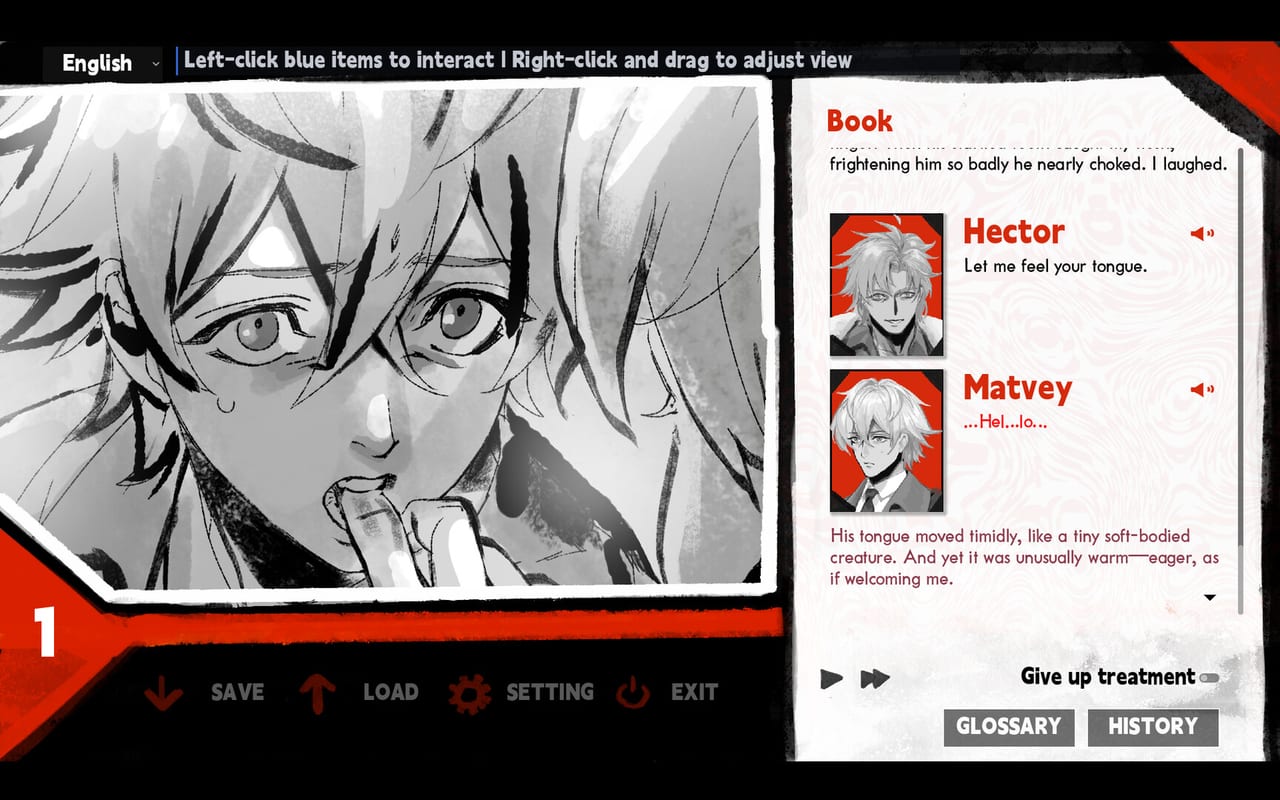
Dissolution of My Self launched on Steam on September 3, 2026. The first post-launch patch arrived the following day as build 25070968, acknowledged by developer Wendy on the Steam Community page. This page covers what is publicly known about that update and the context it arrived in.
Demo-era bugs and older patch history live on demo changelog. Full launch notes cover the original release context.
Launch context
The September 3 launch posted at 5:00 PM PDT (September 4 morning in Japan and China) for Steam Windows. Launch price was $5.99 with a 10% discount window. The studio posted a Before You Buy FAQ on September 2 so buyers would know what the game was before opening it.
The Steam Community hub for app 4573760 became the official channel for patch announcements. The launch window attracted players who had followed the demo period and players who discovered the game through press coverage from Automaton West, Noisy Pixel, and Kotaku.
Build 25070968 — September 4, 2026
The first post-launch patch was posted on SteamDB and acknowledged by developer Wendy with a community post titled “Dissolution of My Self Is Out Now!” The post reads:
“A huge thank-you to everyone who supported the game at launch. I’m a cautious consumer myself and rarely buy games on release day, so I’m especially grateful for your trust.”
The patch notes on SteamDB for build 25070968 were the official vehicle for this update. Players who encountered launch-day technical issues or save-related behavior were the primary audience for this patch.
What the patch likely addressed
Based on the demo changelog and launch-day player reports, the September 4 patch was expected to cover:
- Launch-day save and load stability
- Any critical bugs reported in the first 24 hours of the full release
- Issues specific to the transition from demo (appid 4683580) to product (appid 4573760)
The demo changelog documents drag/wipe/hold gesture fixes, voice replay additions, character voice volume separation, fullscreen toggle fixes, and character profile line-break patches that arrived during the demo period. The September 4 patch carried forward the post-demo patch state into the 1.0 release tree.
Reporting post-launch bugs
If you encounter issues after the September 4 patch:
- Check whether you are on the latest build by verifying build number in Steam’s properties
- Check the demo changelog so you do not report a bug already fixed in the demo period
- Use the support mail on the Steam store page for issues that persist across builds
- Steam discussions are the community channel for confirming whether others see the same behavior
What was not in this patch
The September 4 patch was a stability and polish release. It did not add content, new achievements, additional languages, or change the single-ending design. The studio’s FAQ from September 2 and the game’s store page still describe the full experience accurately after this patch.
After this patch
Use Steam news for subsequent patches. Use Links for official social accounts and support. For gameplay questions, the walkthrough, tips and trivia, and how to play pages cover the loop without requiring you to navigate by patch history.
If the patch fixed something you were stuck on, that is the right moment to continue the investigation. The room is still small. The discount window may still be open. The ending is still singular.
Frequently Asked Questions
Quick answers to the most common questions.
What was in the September 4, 2026 patch?
Build 25070968 was the first post-launch update, acknowledged by developer Wendy. It addressed launch-day stability and save/load issues. Check SteamDB for the full change list.
Is the game still the same after the patch?
Yes. The patch was stability and polish. It did not add content, achievements, or change the single ending. The store page and FAQ still describe the game accurately.
How do I report a bug after the patch?
Check the demo changelog first to avoid duplicating known issues. Then use the support mail on the Steam store page or Steam discussions for community verification.
Should I update before playing?
Steam updates automatically. If you are on an older build, verify the build number in Steam properties and force an update if it does not match the latest.